

The Learning Collection · Creality
Ender Series
Ender-3 V3 SE
Standard
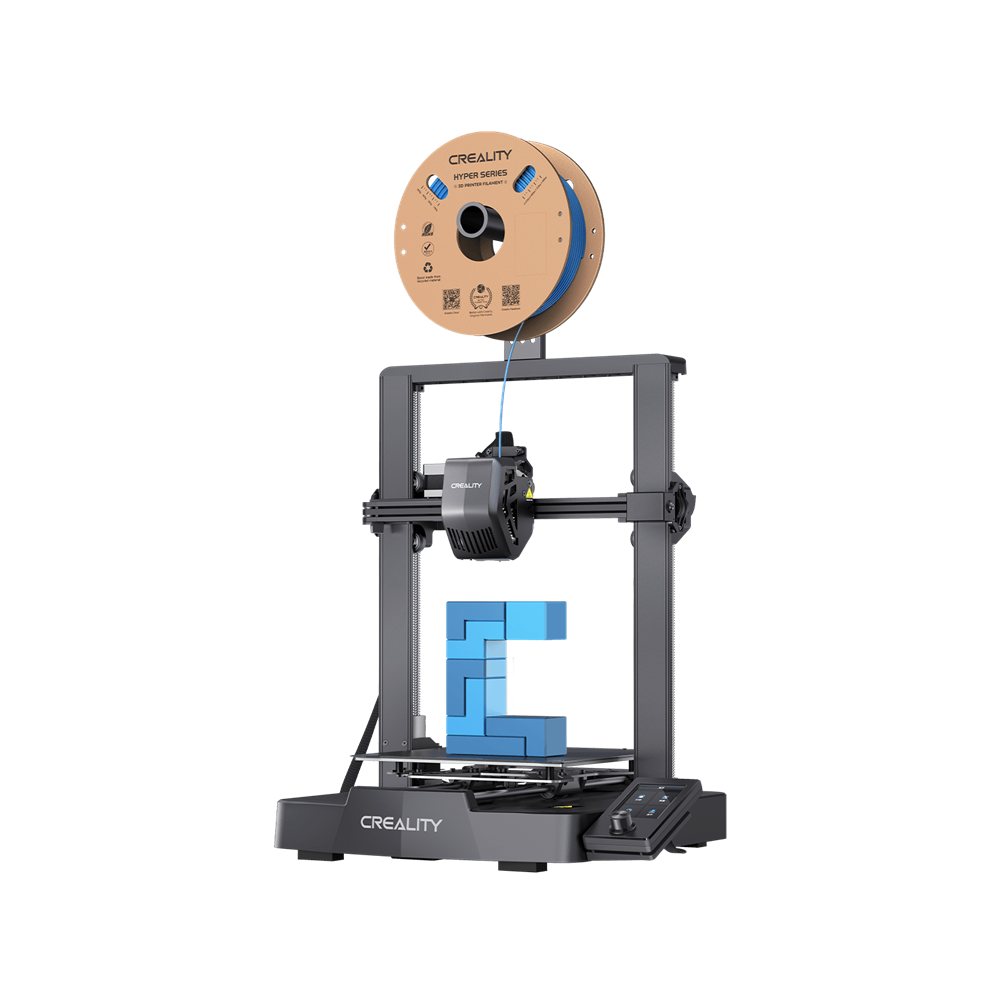
The entry point to the Creality range: an open-frame bed-slinger with a 220 × 220 × 250 mm build volume, a direct-drive extruder and automatic bed levelling. Creality rates it at 250 mm/s with a 260 °C hotend, which is enough for PLA, PETG and TPU without an enclosure.
Order-in — estimated 20–30 days
Pay online by card. Collect at TT3 (Vincenzo Labs) or Galacity / Saradise (TLC) — we email you when it is ready.
- Price includes SST
- Yes — no tax is added later
- Prices valid
- Until further notice
- Availability
- Order-in
- Lead time
- Estimated 20–30 days
- Pickup
- Free in Kuching — TT3 (Vincenzo) or Galacity / Saradise (TLC)
- Ordering
- Available now — pay by card
Lead times are estimates, not delivery promises. Prices include SST and are valid until further notice.
Ask about this product
Send a question and we will reply by email or phone — usually within one working day. No order or payment is created.
At a glance
Key highlights
220 × 220 × 250 mm
A compact footprint with a taller Z than the same-size Ender models before it.
250 mm/s, 2,500 mm/s²
Creality rates the maximum print speed at 250 mm/s and acceleration at 2,500 mm/s².
CR Touch levelling
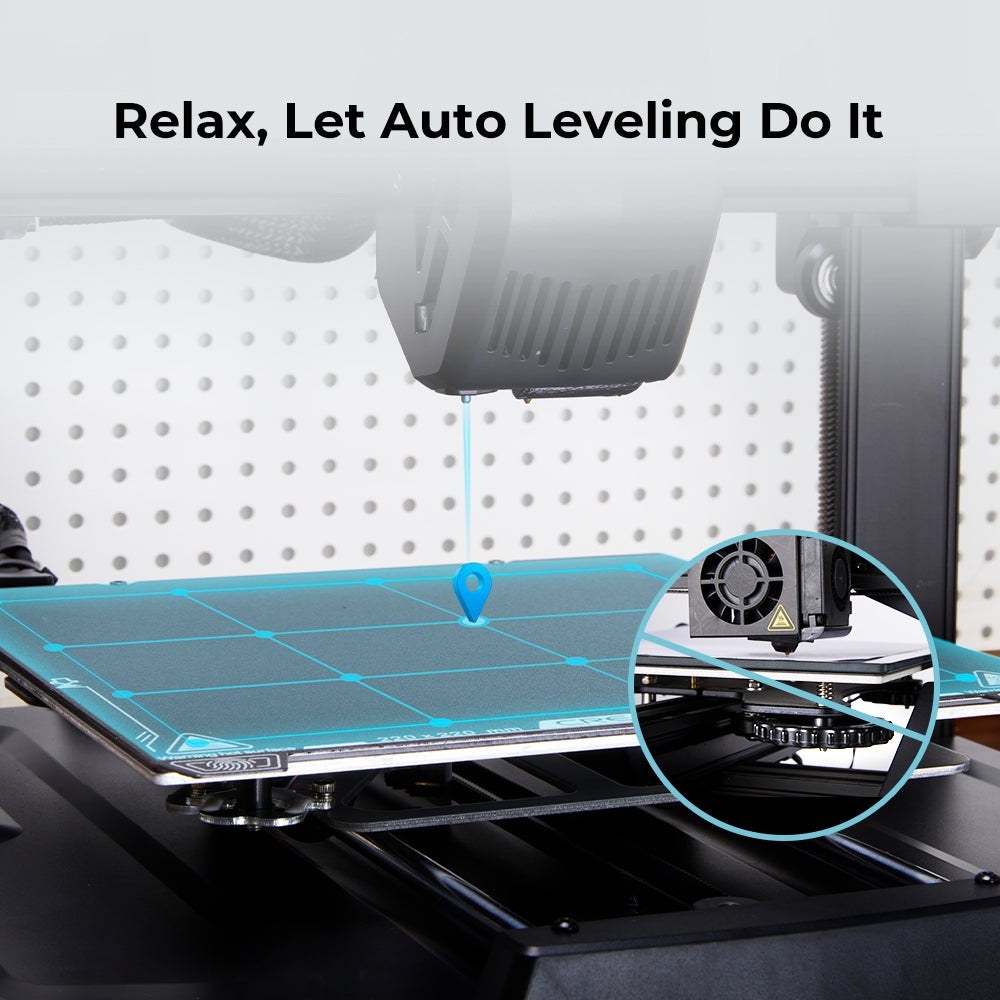
Automatic bed levelling plus a strain sensor for the Z offset, so the first layer does not depend on feeler gauges.
Direct-drive "Sprite" extruder
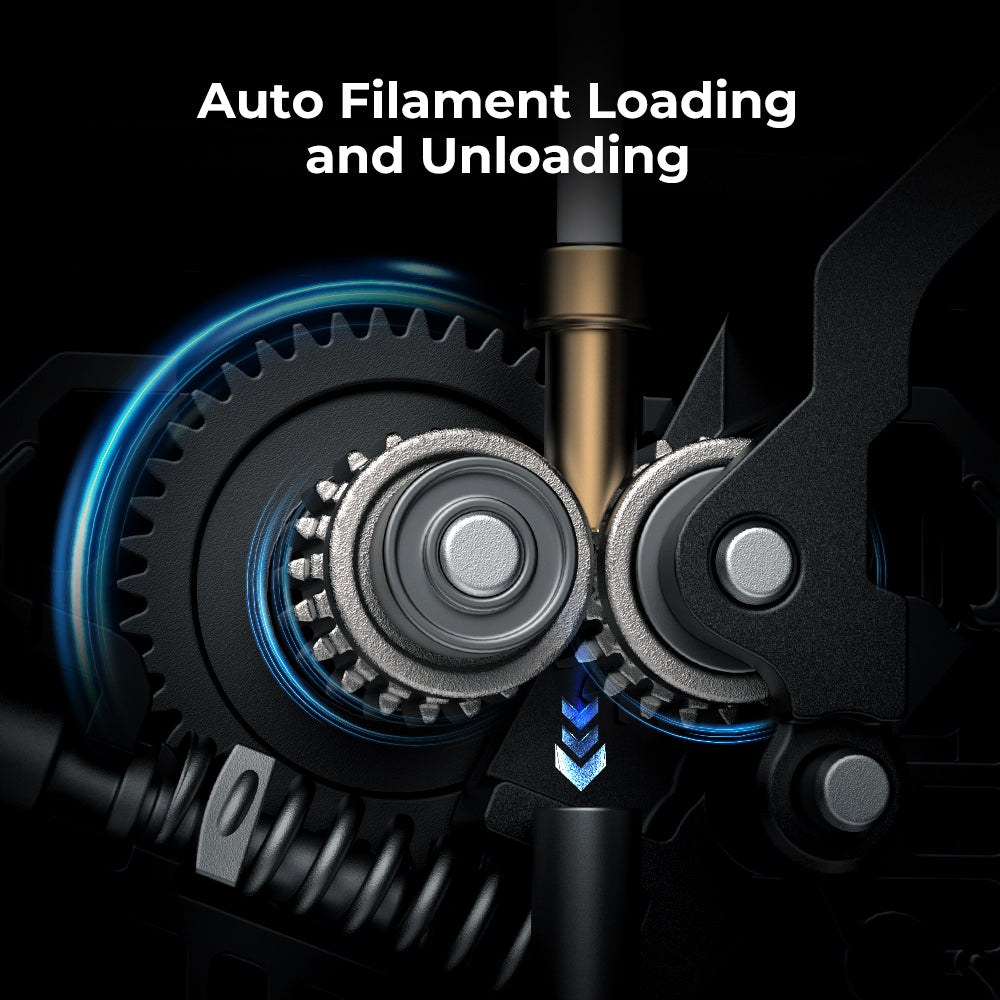
A direct extruder, which is what lets this machine handle flexible TPU reliably.
260 °C hotend, 100 °C bed
Sufficient for PLA, PETG and TPU (95A) — the three materials Creality lists as supported.
Dual Z, dual Y shafts
Two Z screws and a pair of 8 mm linear shafts on the Y axis to keep the bed steady.
Features
What makes this model different
A first printer with the setup work removed
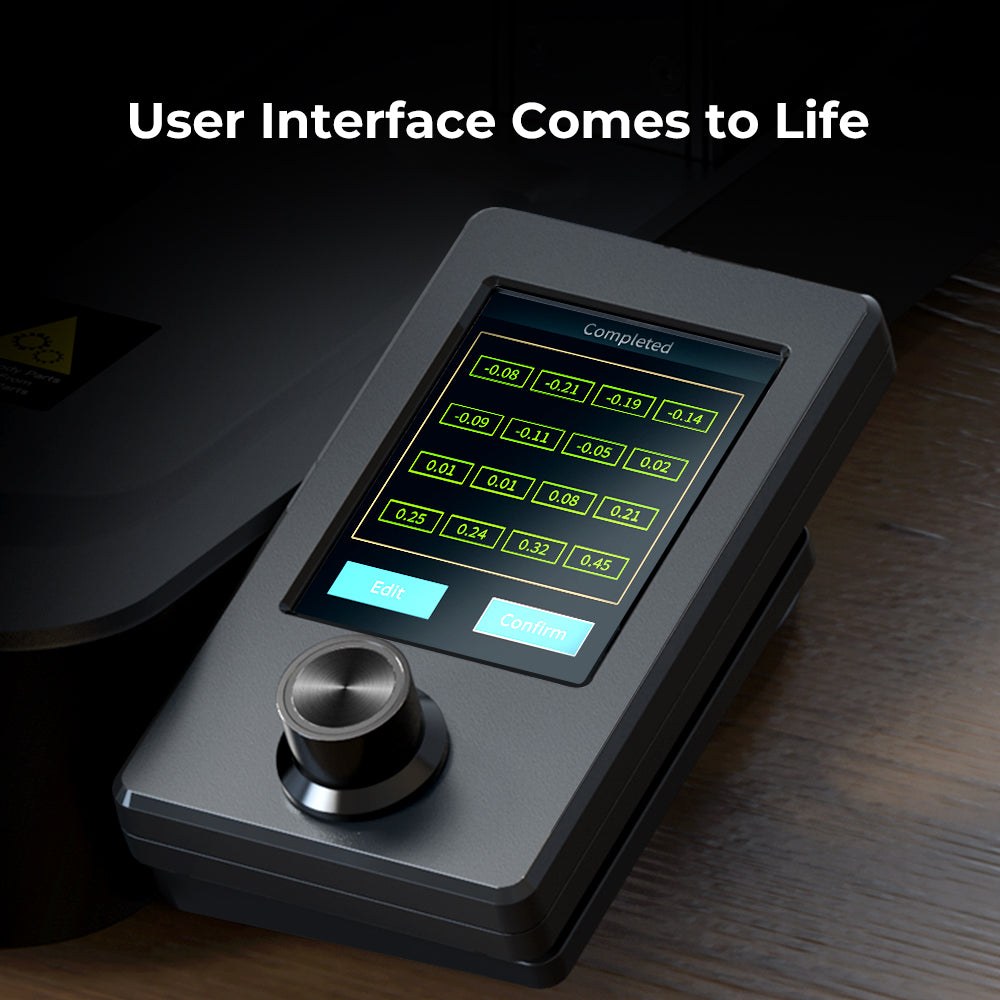
The SE variant is the simplest machine in the Ender-3 V3 family: automatic levelling, a direct extruder and a 3.2″ colour knob screen. Creality states it can be assembled in about 20 minutes.
Why it matters: The least fiddly way into the range if the printer is for a classroom bench or a first workshop, where time spent tramming a bed is time not spent printing.
Open frame sets the material ceiling
There is no enclosure and the hotend tops out at 260 °C. Creality lists PLA, PETG and TPU (95A) as the supported filaments; ABS and other high-shrink materials are not in that list.
Why it matters: Buy this for PLA/PETG work. If ABS, ASA or high-temperature engineering plastics are on the roadmap, the enclosed K2 series is the correct machine instead.
Specifications
Technical details
| Build volume | 220 × 220 × 250 mm |
|---|---|
| Printing technology | FDM (FFF), open frame |
| Extruder | Direct drive ("Sprite") |
| Nozzle | 0.4 mm, brass |
| Max nozzle temperature | 260 °C |
| Max heatbed temperature | 100 °C |
| Max print speed | 250 mm/s |
| Max acceleration | 2,500 mm/s² |
| Layer height | 0.1–0.35 mm |
| Levelling | CR Touch auto-levelling + strain-sensor Z offset |
| Motion | Dual Z screws; dual 8 mm Y-axis linear shafts |
| Display | 3.2″ colour knob screen |
| File transfer | SD card |
| Supported materials | PLA, PETG, TPU (95A) |
| Rated power | 350 W |
| Machine weight | 6.5 kg |
Values from Creality's official Ender-3 V3 SE specification table (support page, checked October 2026). The printer is open-frame, so the material list above is the one Creality publishes rather than a general FDM capability claim.
In the box
What's included
- Ender-3 V3 SE 3D printer
- 0.4 mm nozzle (fitted)
- PC spring-steel build plate
Package contents beyond the printer and the items listed are being confirmed with the supplier.
FAQ
Questions about this model
- Can the Ender-3 V3 SE print ABS or ASA?
- Not from Creality's supported list. Creality states PLA, PETG and TPU (95A) for this model, and the machine is open-frame with a 260 °C hotend.
- Does it need manual bed levelling?
- No. It uses CR Touch for automatic levelling plus a strain sensor for the Z offset.
- Can it print in multiple colours?
- No. There is no CFS or multi-spool unit for this model in the supplier configuration list; multi-colour starts with the Spark i7 and K2 series.
Resources
Official documentation
Technical values come from Creality's official documentation. Descriptions and guidance on this page are written by The Learning Collection. Image sources are recorded in our internal image manifest.